robocopy: transfer huge repositories between PCs
Average rates of 24% on 1 GBit-connected PCs with SSD were achieved! 🙂
############################
my favorite parameters:
/NP – no status
/ETA
/E – with subdirs
/MIR – mirros (like /E with /PURGE)
/MT – multithreading
/XD – exclude the subversion-metadata
resulting command
|
1 |
robocopy source target /NP /MIR /MT:8 /XD .svn |
note: multithreading with 32 threads was slower than with just 8: 10 min vs. 7 min for 18 GiByte files of varying size
photo-backup:
|
1 |
robocopy C:\Users\MarcelP\Desktop\digikamResults\20201028_mixedLastYears\2019 Z:\2019 /MIR /MT:8 /E /PURGE |
You live and learn: study plans for 2018 (so far)
I have missed the chance to summarize the educational path I’ve taken in 2017 at the beginning of the new year. Just as little as I published my current plans. And I think this is quite unclever.
Make plans, publish them (to those who should know and be involved), then do them. This helps to gather support and maybe find a study buddy!
- April, 14th: start of the evening classes as preparation for English CAE-level (C1)
- April 21th: Seminar about the foundations of Quality Management in Engineering
- April, 22nd to 24th: IREB Requirements Engineering Foundation Level + exam for the certificate
- May, 12th: exam for the CAE-certificate (written part; oral is 6th May)
- May, 14th to 16th: paid educational leave for a seminar about “Python for users with a bit more experience”
Currently life is quite challenging while working full time. Being proud member of a young family and doing some physical exercises and ‘programming for fun and benefit’ (TM) to do some certificate-based education requires some effort. But I will do it and I want to do it!
edit 20180426: IREB RE-seminar is postponed to 11.-13. June due to the fact that the first vendor could not abide to his part of the contract. But in the end only the gained knowledge will matter and not the date ..
Convert *.pro to *.vcxproj (qmake to Visual Studio-project)
0. Change this particualar line inside the *.pro:
|
1 2 3 |
# app is working for build and processing with qtcreator, vcapp is for visual studio #TEMPLATE = app TEMPLATE = vcapp |
1. run qmake against that pro-file
2. load the vcxproj with Visual Studio
edit: or do it with the original pro-file just like the wiki.qt.io suggests:
|
1 |
qmake -tp vc test.pro |
Cullendula
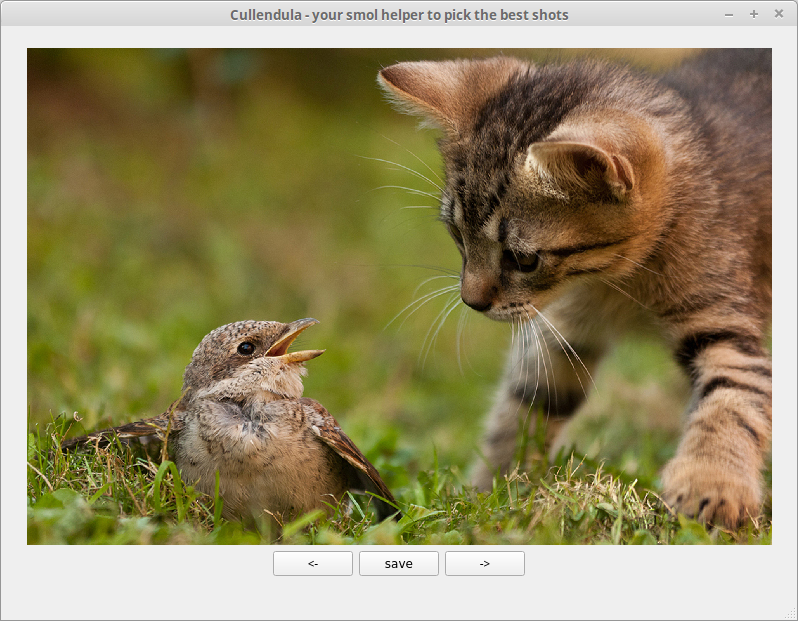
Small program to pick out the best shots of the vast amount of taken pictures per session (excursion). The name itself is a wordplay of the plant Calendula and the activity “to cull” (slang for sorting the photos).
url for the repository: https://github.com/marcelpetrick/Cullendula/
development time for fully usable version 0.1: one day
used technologies: C++ and Qt – my favorite ones <3
VS2015: after start the solution-explorer just shows error-messages ..
Error message:
Exception details:
System.ComponentModel.Composition.ImportCardinalityMismatchException: No exports were found that match the constraint:
ContractName
Delete that folder:
%LocalAppData%\Microsoft\VisualStudio\12.0\ComponentModelCache
Found via SO..
VisualStudio-Addin for Qt
The source for the current downloads: https://download.qt.io/official_releases/vsaddin/ (for MSVC 2013, 2015 and 2017), because I had to (again) search for the installation-files.
netdata for monitoring several (headless) Raspberries
I had netdata already recommended once two years ago, but .. it was quite helpful to track down the issue with the camera on the catcam-raspberry. Yes, of course I could login via SSH or VNC and then manually check if it is still running, or just call “catcam:19999” in the browser.
Install on Raspbian Jessy via:
|
1 |
bash <(curl -Ss https://my-netdata.io/kickstart.sh) |

Catcam upgraded!
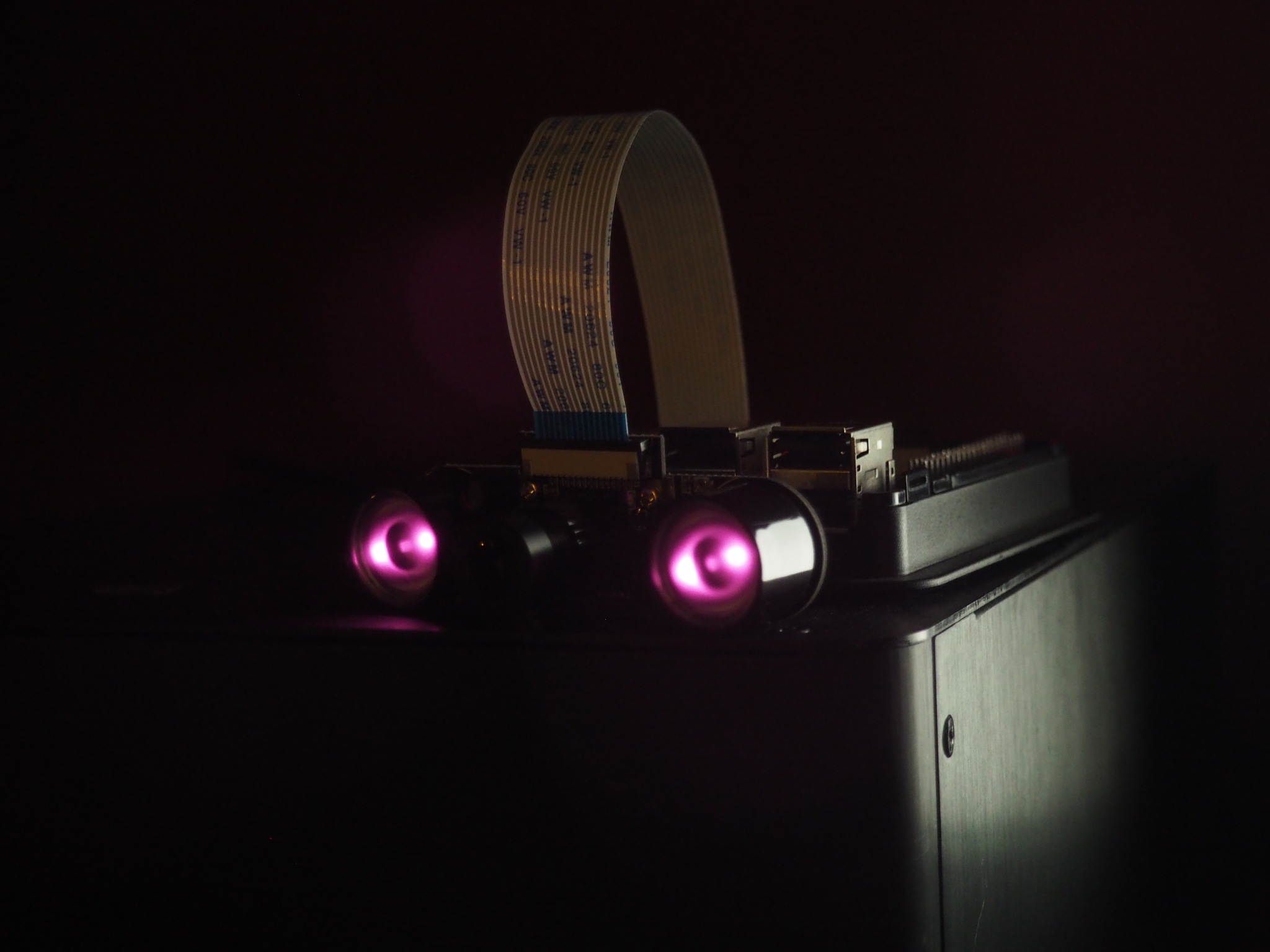
Terminator is watching you!
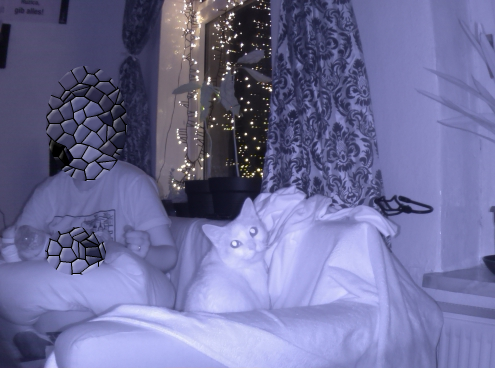
Finally! The old catcam-setup of a RPi 3 with a NoIR v2.1-camera was working for almost one and ahalf years without any issues. I’ve had improved the PiCamGifForTumblr-script several times, also changed location – never any issues. More than 40.000 GIF were uploaded.
But then I decided to buy a new, fancy case in black (of course) which should add some camera-support. And then two weeks afterwards it stopped working. Sporadically frozen. Sometimes 10 min after start, sometimes during the night. I checked the casing, if all power connectors were tightly fit, I installed netdata on it, I did longterm temperature-measurements (never over 54 °C even with closed case), I ran with minimal setup or with cam attached.
Then it became clearer: the camera was working for singleshot-mode, but for the 30 pictures every ten minutes, it broke. So, it was time to order a new camera, 1080p (5 MPixel) were enough, but for four more Euro I could get two IR-illuminators … so, why not? The focal distance of the objective is adjustable, it looks like it works (long time-test needed). But I am happy. And we can watch cats (and family) in darkness :3
Got myself a micro:bit :)
After gaining some experience with the Calliope mini I was eager to have look over the edge of the plate and found the Sino:bit with an even bigger matrix of 144 LED. BUT: there is still the humble predecessor, the BBC micro:bit. A very original and clever project to get ALL children at school started. At a price of around 17€ what can go wrong? Give ten children one for free and even if just one turns into a programmer/software-developer (or just gains a bit insight how their favorite electronic gadgets work), then it was worth but. But what do I say as german citizen. Hello Flugtaxi :’|
I plan to get my feet into the cold and muddy waters of robotics. Of course, assembling the :move mini with the bulldozer add-on will be nothing great, but I’ve craved to find out how to control a servo and how to put some life into the boring aspects of programming. Just kidding. But blinking LED and measuring values is nice, but … I want to build my own cat-feeder. Or at least something which moves and blinks to keep them a bit attracted.
And: the micro:bit and Calliope mini feature both Bluetooth-radios, so connecting them shouldn’t be a problem.
Another advantage: somehow the given libraries for the micro:bit are more advanced and diverse than the Calliope’s, could be due to the release in 2015 versus 2017. Also: micro:bit features microPython. C not ..
My first idea was to create a stress-test. Play a bit around with the buttons and the “run in background”-feature. Still not heating properly and fast enough.
Code is visible on my micro:bit-repository on github. Just like the one for the Calliope. Suggestions how to make the processing unit glow are heartily accepted 🙂
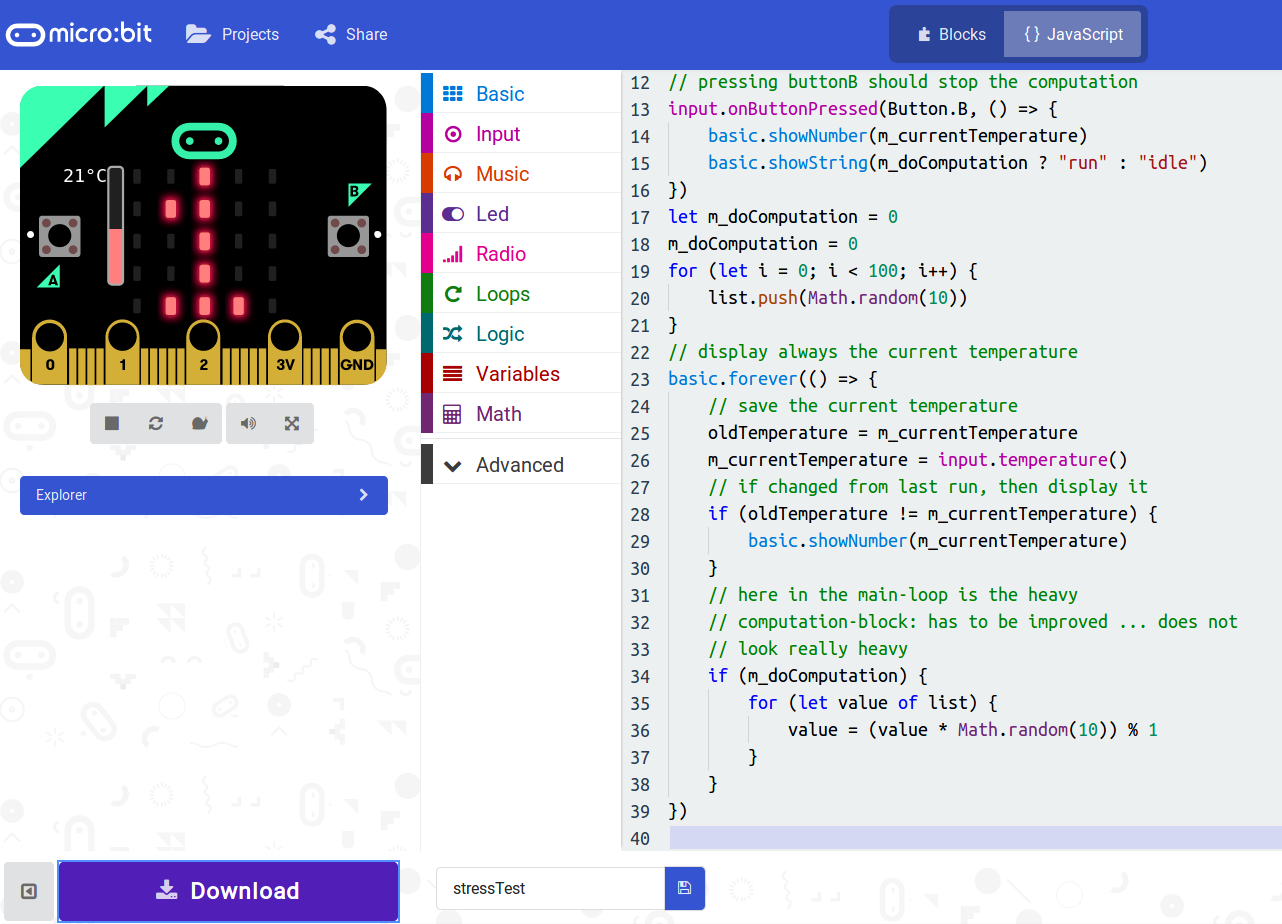
Let us get coding. Somehow I like the enviroment with blocks and the possibility to switch to Javascript. Not my favorite dialect, but … sometimes you have to embrace what is given to you <3
tracking bugs in complex systems ..
Some weeks ago I’ve replaced the case of the ‘catcam’. A Raspberry Pi 3 which was running for 1.5 years without interruption with the nice script & python-upload triggered by a cronjob. And now the device freezes. Still running, but neither accessible via SSH nor VNC (of course, if SSH is not working ..).
I left the case open; removed the camera; upgraded kernel and Raspbian: nothing helped.
My last guess is that the camera stopped working. But to be sure I want to let the RPi3 long-time with temperature-logging. So … we need a simple program:
|
1 2 3 4 5 6 7 8 9 10 |
import os import time def measure_temp(): temp = os.popen("vcgencmd measure_temp").readline() return (temp.replace("temp=","")) while True: print(time.ctime() + " ## " + measure_temp()) time.sleep(1) |
executed like this, because else the output is buffered up to 4 or 8 kByte:
|
1 |
$ stdbuf -oL python temperature.py > worstLoggingEver.txt |
and the content of the textfile is something like:
|
1 2 |
Tue Mar 6 22:52:59 2018 ## 51.5'C Tue Mar 6 22:53:00 2018 ## 52.1'C |