Android
3/x: 𝐂𝐫𝐨𝐋𝐢𝐧𝐠𝐨: pipelines
In a feature-driven world, support-software rarely gets the stage it deserves. Ask a stakeholder what a pipeline is and get 🙃 .. which is sad. Because how else do you want to verify it you built it correctly?
Anyway: automated testing and linting is always part of my process. From day one – not in the final stages. Of course, you should have at least a tiny build-able fragment of your project, but the earlier you add #automation, the better. I usually run with local and continuous integration pipelines.
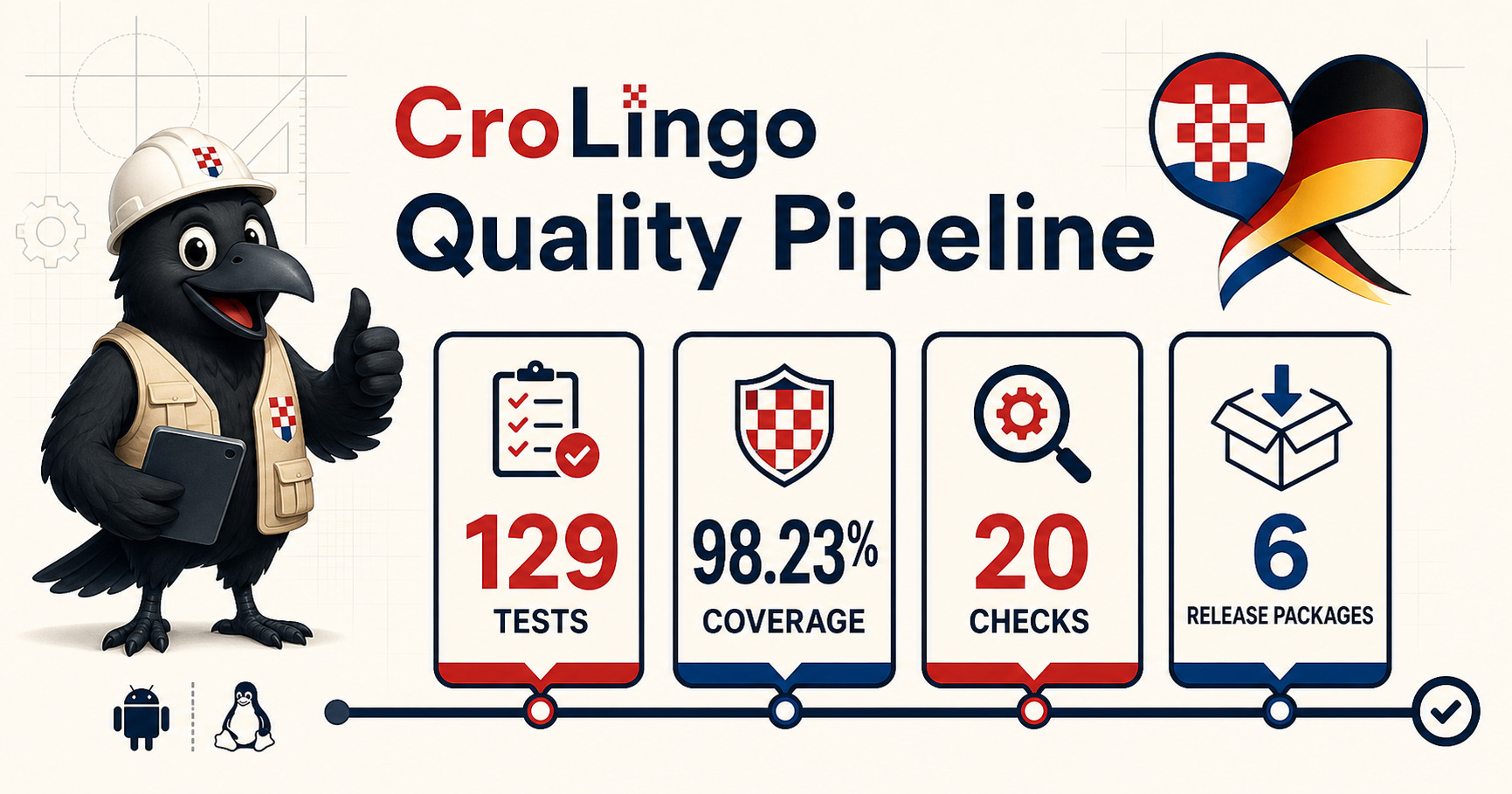
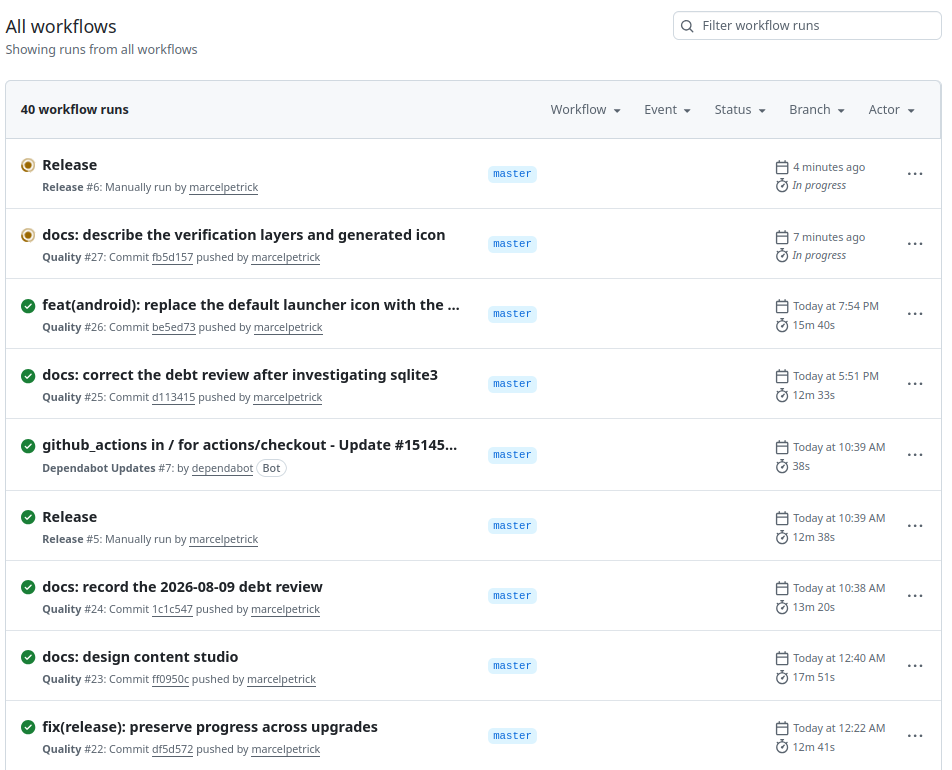
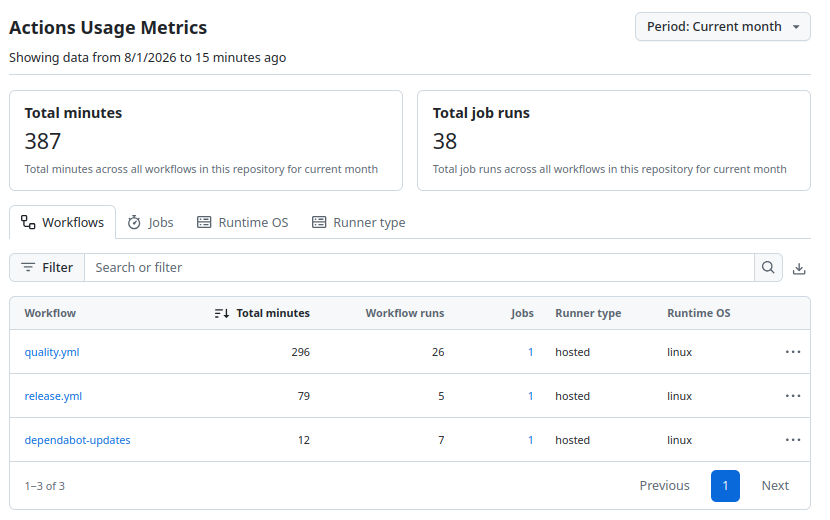
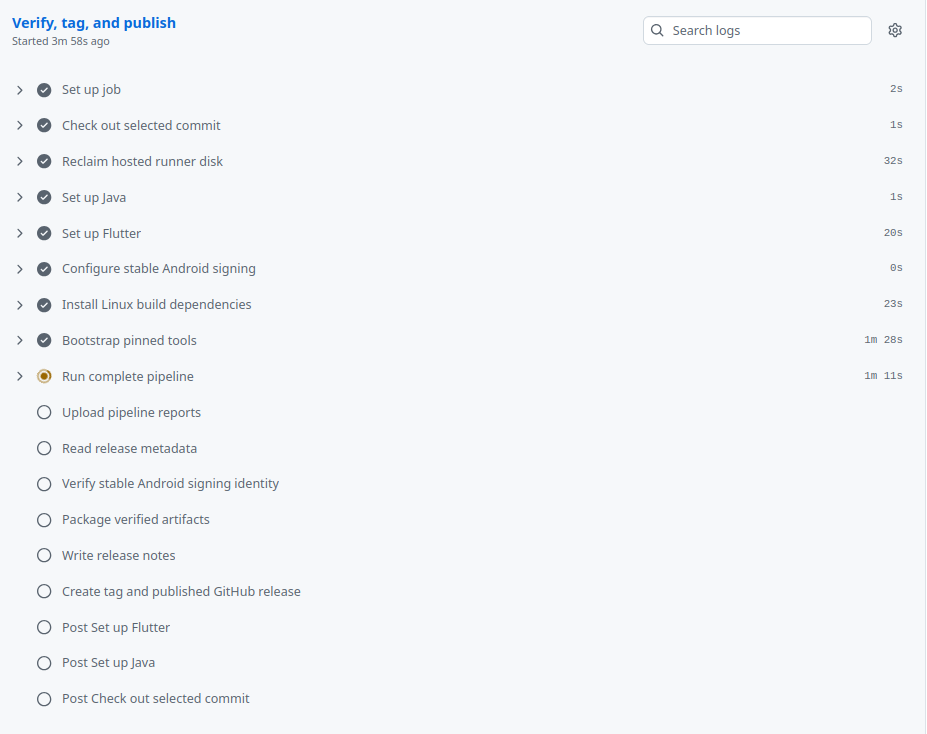
This project is hosted on GitHub, so I went with GitHub actions for the CI. We have 20 named pipeline stages which form a single commit gate. “Cheap” ones like linting and format checks run before the more “expensive” ones, which need a build. 129 automated tests are done, which cover 98% of the code. Together with the 30 unit and widget tests and a real-target integration suite we have fitting coverage. The local version runs as pre-commit hook, the GitHub one is also capable of doing the releases. And so far I made six public releases.
Also, Dependabot is integrated, so if I would miss the release of any dependency, then this neat little bot would create an automatic PR (pull-request) for me. 🐦⬛
The pipeline turns engineering expectations into executable policy. 𝐈𝐭 𝐰𝐨𝐧’𝐭 𝐛𝐮𝐢𝐥𝐝 𝐨𝐫 𝐩𝐚𝐬𝐬, 𝐲𝐨𝐮 𝐜𝐚𝐧’𝐭 𝐫𝐞𝐥𝐞𝐚𝐬𝐞. 𝐒𝐢𝐦𝐩𝐥𝐞 𝐚𝐬 𝐭𝐡𝐚𝐭.
If you want to give this Croatian-German-language learning app a try, download the package from https://github.com/marcelpetrick/CroLingo/releases/tag/v0.0.63 and run it on your Android phone.
Have fun and enjoy learning!
I’ll keep you updated on what comes next. 🇭🇷 ❤️ 🇩🇪
#continuousIntegration #continuousDeployment #pipelines #automation
2/x: 𝐂𝐫𝐨𝐋𝐢𝐧𝐠𝐨
As written, I had started to gather all ideas and document what we want. Of course, there exist magic tools which transform unstructured input into well-defined #requirements and which help you to make them conflict-free, unambiguous, atomic, feasible and verifiable. Yada yada, you know the drill.
Then the development started, and we have a first #MVP (minimum viable product) now, as an Android release package and Linux Desktop build. The first content has been added, so the first user feedback could be gathered today. I have to admit, offering an app with well-known competitors yields a lot of “oh, but here it should behave like this” … anyway, input from the target audience is really dear to me. So we now have plenty more things to implement and some to adjust. But we did not experience a single crash or logic deadlock.
✨ 𝐀𝐧𝐝 𝐬𝐨𝐦𝐞 𝐮𝐬𝐞𝐫𝐬 𝐜𝐨𝐮𝐥𝐝 𝐚𝐥𝐫𝐞𝐚𝐝𝐲 𝐥𝐞𝐚𝐫𝐧 𝐬𝐨𝐦𝐞 𝐧𝐞𝐰 𝐰𝐨𝐫𝐝𝐬. ✨
I’ve added on-device screenshots from one of the recent builds. If you want the hands-on experience, go to https://github.com/marcelpetrick/CroLingo/releases/tag/v0.0.40
I’ll keep you updated on what comes next. 🇭🇷 ❤️ 🇩🇪
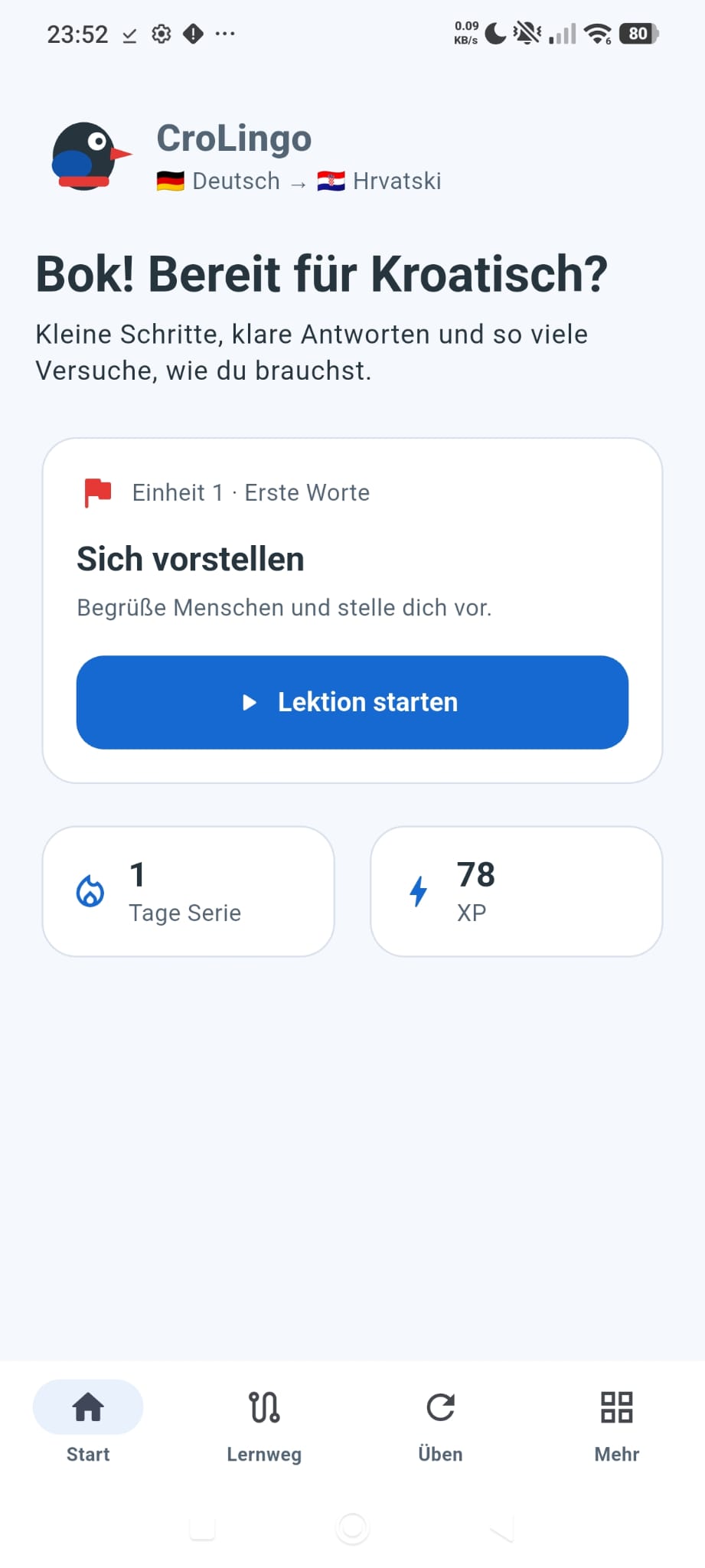
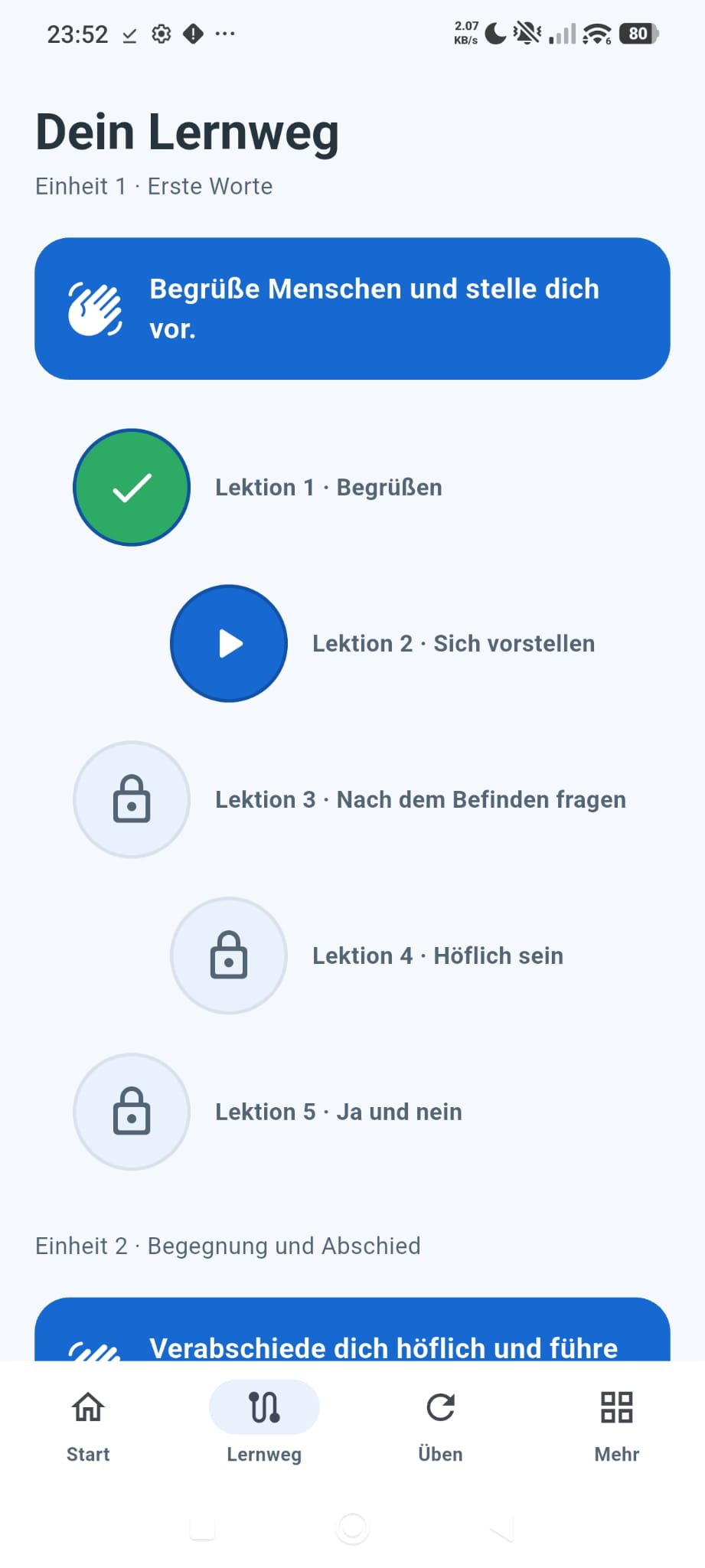
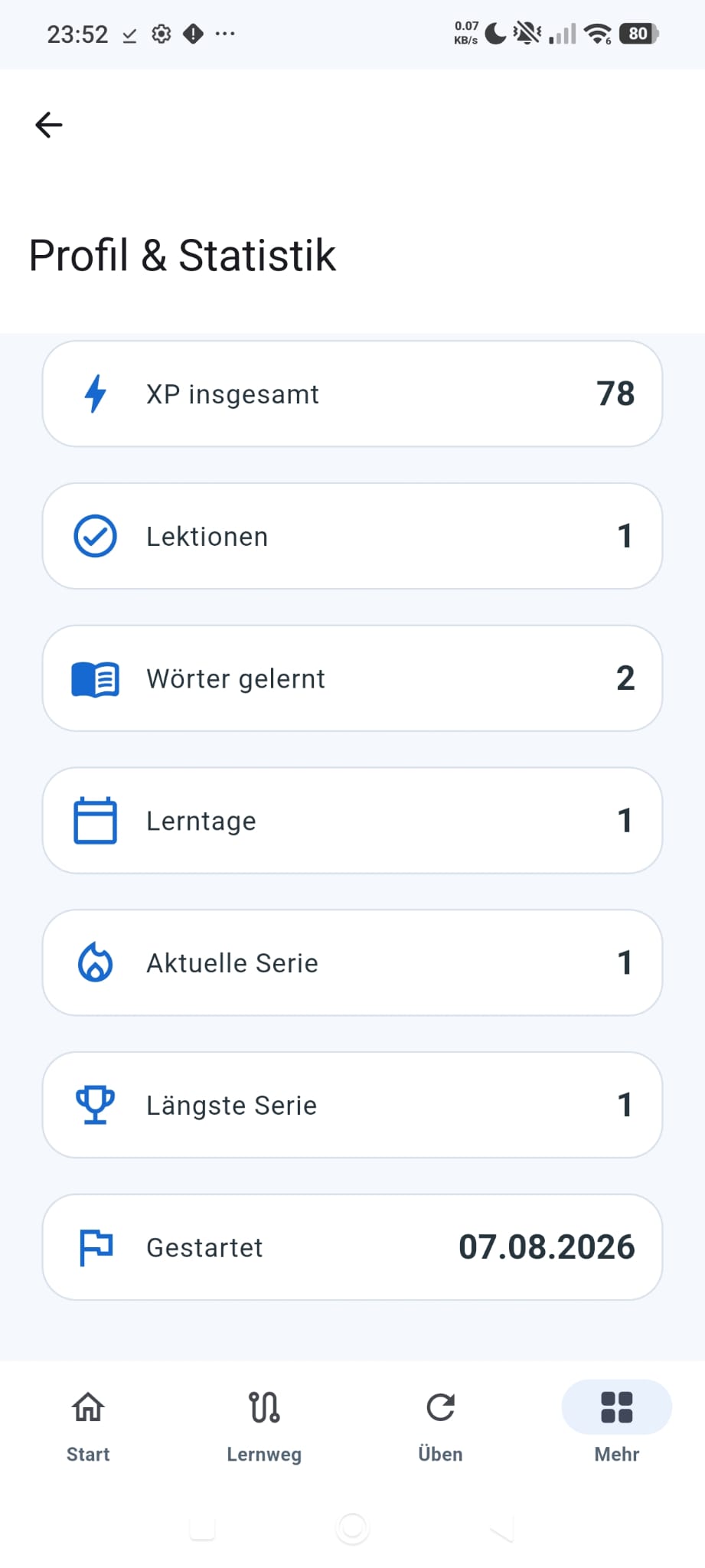
New project: 𝐂𝐫𝐨𝐋𝐢𝐧𝐠𝐨 🇭🇷🇩🇪
Just wanted to share that I started the design and implementation of an app for learning Croatian.
The market for language-learning apps does not offer the combination I need, so it is time to roll our own custom software.
Also a playground for #Flutter and #Dart, since I have so far only used Kotlin for Android apps. And it will run on x86_64 Linux desktops as well. Maybe I’ll do an iOS version too.
Most of the preliminary work was spent on the design and concept. #Ideation is quite important in the age of agentic AI.
Of course, I will avoid writing code and keep you updated 😉

RamBLE and the (german) Covid19 tracker
Quicker posts, less retardation! One of the goals for 2021 was to 0. write more often, 1. faster after ‘doing’ and 2. therefore also covering more things which were ‘touched’
There’s still a pile of topics left from 2020 xD
In Novembre a colleague and me talked about one of his acquantainces which wrote an iOS-app, which can show how many “Corona Warn App”-users are nearby. I was puzzling over this and also wondered if really some special app or some bluetooth-receiver-tinkering is needed. I still own that one BT receiver for the Raspberry.
First: So, quick check for BT sniffers in the playstore showed RamBLE.
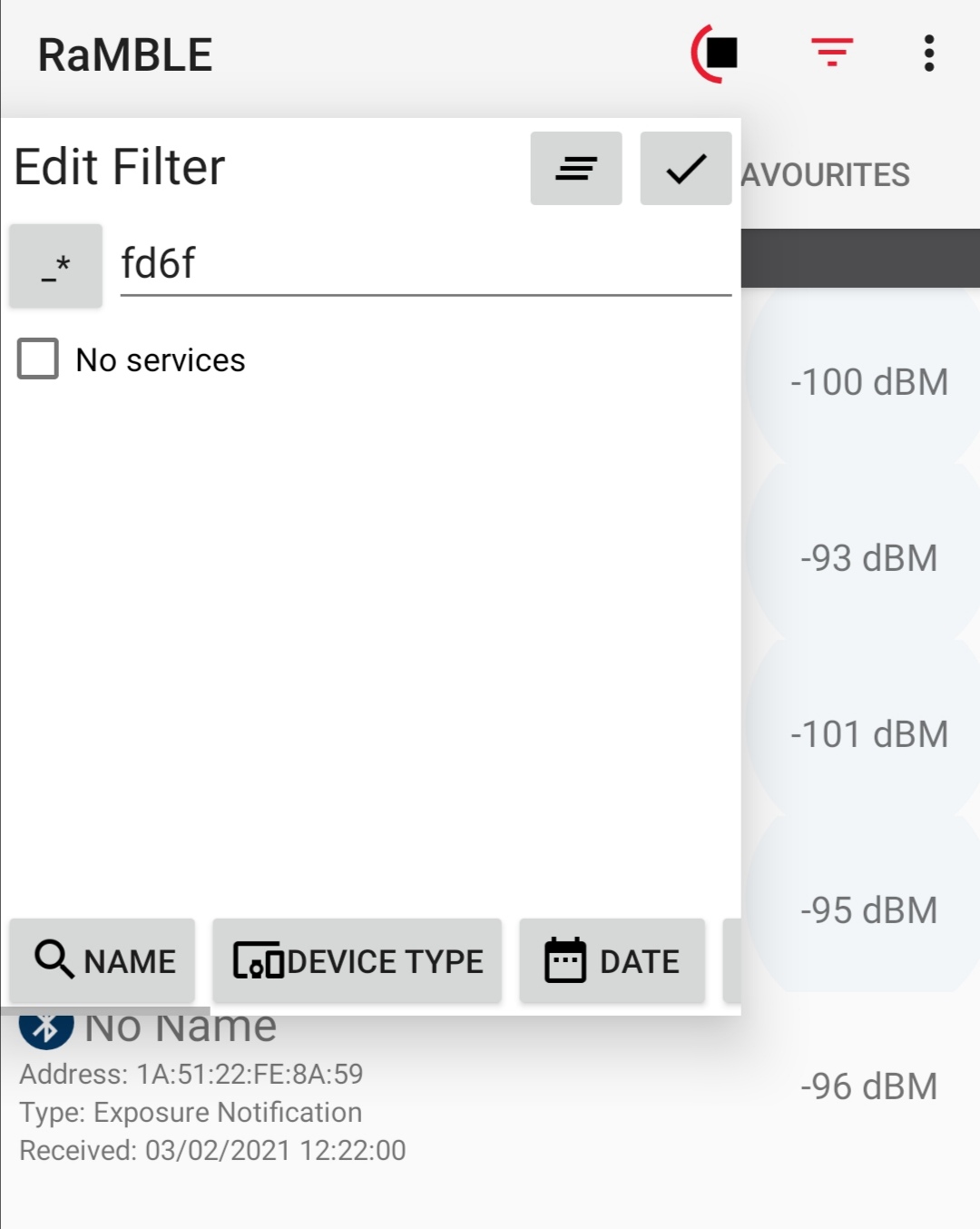
Second: 5 min of googling found the UUID used for the exposure notification: “fd6f”.
So, let’s combine and see what is shown for an location I traverse often:
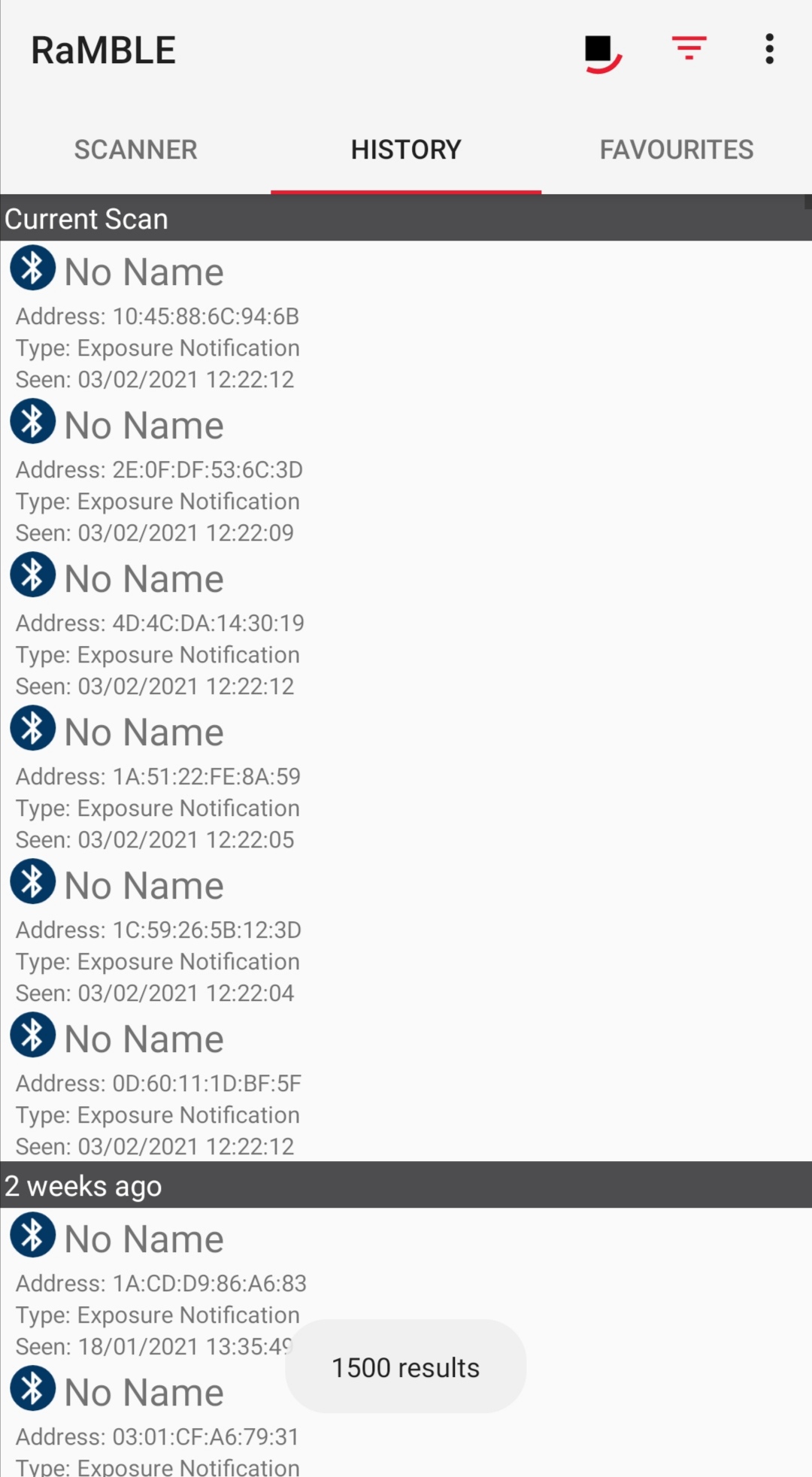
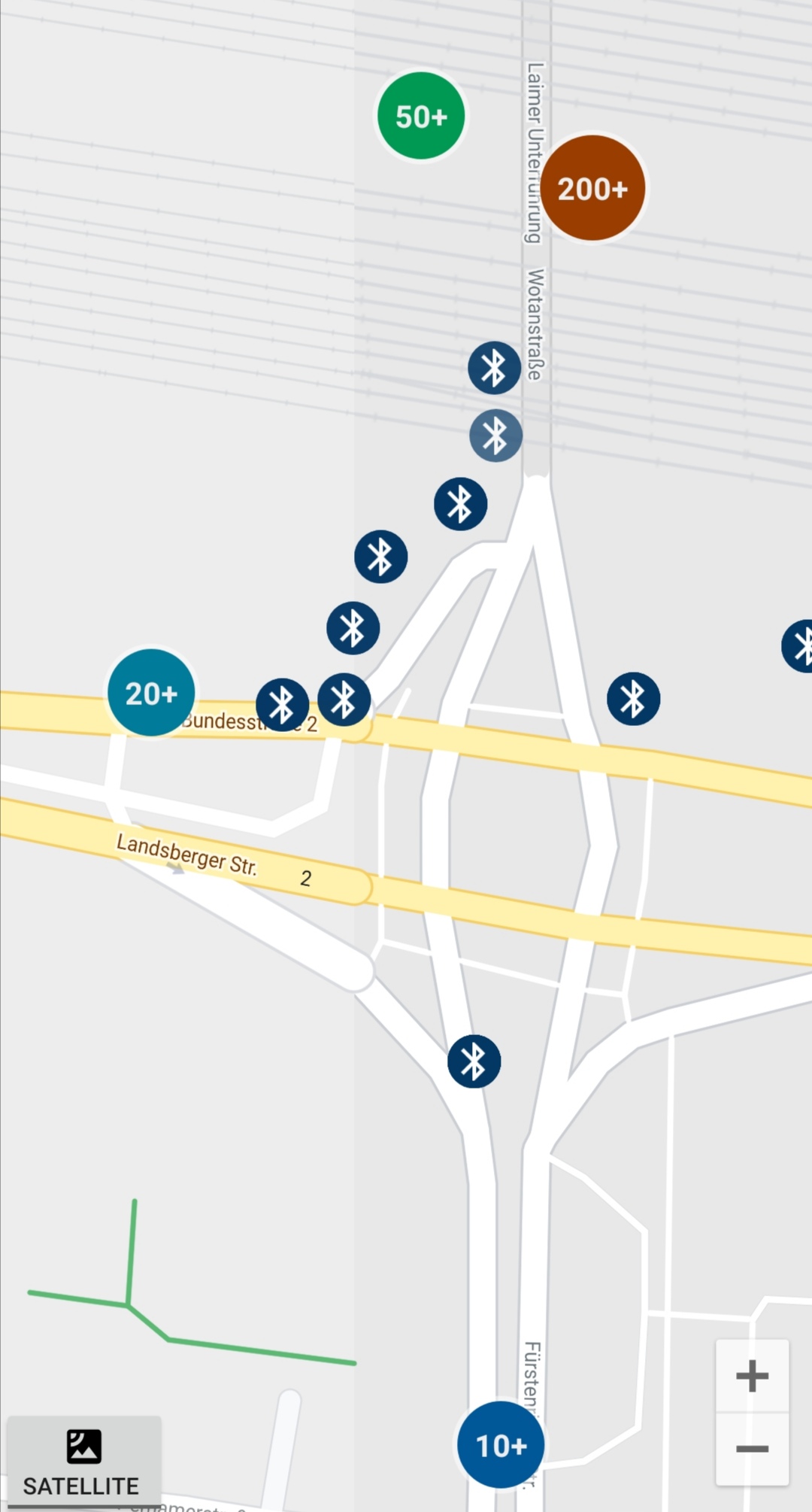
Quintessence: check the market before developing something 😉
The moment you login the first time remotely via app to your Redmine <3
aka: Accessing Redmine outside your local network via Android-app.
I set up port-forwarding via the router. Dynamic name is set via the Synology NAS.
So the url to use is: http://metrik.myds.me:5002/redmine
And after testing 5 (in words: FIVE!) apps with really mixed results, I choose:
Redmine Mobile app made Easy
360° panorama: quick and easy
The ‘magic’ behind 360° panoramas is nothing new. I remember stitching together manually the pictures from the Canon Ixus 800, later switching to AutoStitch and other solutions. But after I used Google Kamera as replacement for the pre-installed camera-app on the smartphone and also acquired a cheap 10€-cardboard I had a jaw-dropping moment of enlightment: wow! This is amazing. And to whomever I showed this (techies, friends, parents, ..) they were also impressed. A freely explorable panorama with head-mounted gear is soo much much descriptive of the scene than the regular 2D-photos. Yes, I still stick to analogue photography, but If you want to show somehow how the sights looked and how the surrrounding environment looked like, then stick to a panorama. Creating them is quite is, but this is a different story.
Too cut it short: I was always looking for a way to present those views also to people far away. Which don’t have a smartphone. Jeremy Heleine created with his Photo Sphere Viewer a truly amazing in browser-javascript-library. I just added some of my own examples (in a pretty bad boilerplate-way *cough*). But this is still great! I love it.
Want to visit Brüssel, Leipzig, Kiel, Wismar or Göteborg?
Bye bye Stagefright 2.0 (and other issues)
Since the discovery of the big vulnerability called Stagefright (summer 2015) some additional were disclosed. Time for an update of the already cyanogenmodded Galaxy S4.
Found a good description of what the names for the different gapps-packages mean: page (includes downloads). I choose pico!
- 5 min real work: get the ROMs, put them to the SD-card, boot into TWRP; select the nightly, then add also gapps-pico, wipe DALVIK, reboot
- 20 min waiting: after flashing for first boot-up (self-configuration) .. works like a charm
No one said this will be easy: GT-i9506 with CM12 & no bloatware
I just wanted to replace the OEM-Samsung Lollipop with the latest CyanogenMod-version on my Samsung Galaxy S4 LTE (GT-i9506).
So the simple plan was to: root the device; replace the ROM with CM12; add the Gapps-package; reboot and be happy ..
.. in the end I tried so many different ways involving Linux Mint, OSX 10.9 and Windows 7 as host-system; flashing via adb, heimdall and Odin; different nightlies and kernels; several gapps-packages and seven hours lifetime .. but I learned a lot 😀
tl;dr:
- Win7: install Samsung driver; reboot, reboot, reboot
- root with CF-AutoRoot: guide // download – use “root checker” or some other app to verify the superuser-access before rebooting into download mode
- flash TWRP via Odin
- flash CM12-nightly: download
flash gapps: downloadflash minimal GApps: download (is without the useless crap)- wipe cache/dalvik
- reboot and setup everything from scratch (or with some backups … you created some, didn’t you? 😀 I used “Easy Backup & Restore” – worked perfectly. K-9 Mail can restore itself ..)
edit: 20150724 replaced Gapps with “GAPPS minimal”; restored all settings, SMS, contacts, …